


Design Glossary & Tools for Service Businesses
Understand the branding, website design, and graphic design terms that shape how your business is presented online and in print.
Use this glossary to understand common terminology, file formats, website planning terms, and tools you may encounter when working on a brand or website project.

Start With the Free 30-Day Branding Guide
How to Build a Brand in 30 Days
A practical, step-by-step guide for service businesses reviewing, refining, or preparing to launch a brand.
Browse Our Design Glossary
Brand Strategy and Positioning
Brand Strategy
The plan that guides how a business is positioned, communicated, and presented to the people it wants to reach.
Brand Positioning
How a business is differentiated in its market and why the right customers should choose it over alternatives.
Target Audience
The specific group of people or businesses a company is trying to reach and serve.
Brand Voice
The consistent way a business communicates through its language, tone, and messaging.
Brand Messaging
The key messages used to explain what a business does, who it serves, and why customers should care.
Value Proposition
A clear explanation of the value a business provides and why a customer should choose it over other options.
Visual Direction
The overall look and feel established for a brand or website, including color, typography, imagery, graphics, and layout. It helps keep design choices consistent across different materials.
Brand Identity and Visual Design
Brand Identity
The visual system used to represent a business, including its logo, typography, colors, imagery, and supporting elements.
Logo Design
The creation of a recognizable visual mark, wordmark, or combination used to identify a business.
Visual Identity
The collection of visual elements that work together to create a consistent look across a brand.
Typography
The selection and use of typefaces to support readability, hierarchy, and the overall character of a brand.
Color Palette
The defined set of colors used consistently across a brand's digital and printed materials.
Brand Guidelines
A reference that explains how logos, colors, typography, imagery, and other brand elements should be used.
Website and Digital Design
Website Design
The planning and design of a website’s structure, page layouts, content hierarchy, visual direction, user experience, and client journey.
User Experience (UX)
How easily someone can navigate, understand, and interact with a website.
User Interface (UI)
The visual and interactive elements people use when navigating a website.
Responsive Design
A website design approach that adjusts layouts and content for desktop, tablet, and mobile screens.
Website Accessibility
Design and development practices that help make websites usable by people with different abilities.
On-Page SEO
Optimizing page content, headings, metadata, images, links, and structure to help search engines understand a webpage.
Call to Action (CTA)
A prompt that directs a website visitor toward a specific next step, such as contacting the business, requesting a quote, or booking a call.
Graphic Design and File Formats
Vector File
A graphic that can be resized without losing quality.
Raster File
A pixel-based image used for photos and digital graphics.
SVG
A scalable vector format used for logos, icons, and web graphics.
EPS
A vector format commonly used for print production.
PDF
A format used for sharing documents, proofs, and print-ready artwork.
PNG
A raster format that supports transparent backgrounds and is commonly used online.
JPG
A compressed image format commonly used for photos and web images.
CMYK
A color system used for commercial printing.
RGB
A color system used for screens and digital applications.
HEX
A six-character color code used to specify digital colors.
Helpful Brand & Website Resources
A curated collection of tools and references for researching a brand, managing website assets, understanding search visibility, and making more informed decisions about your digital presence.
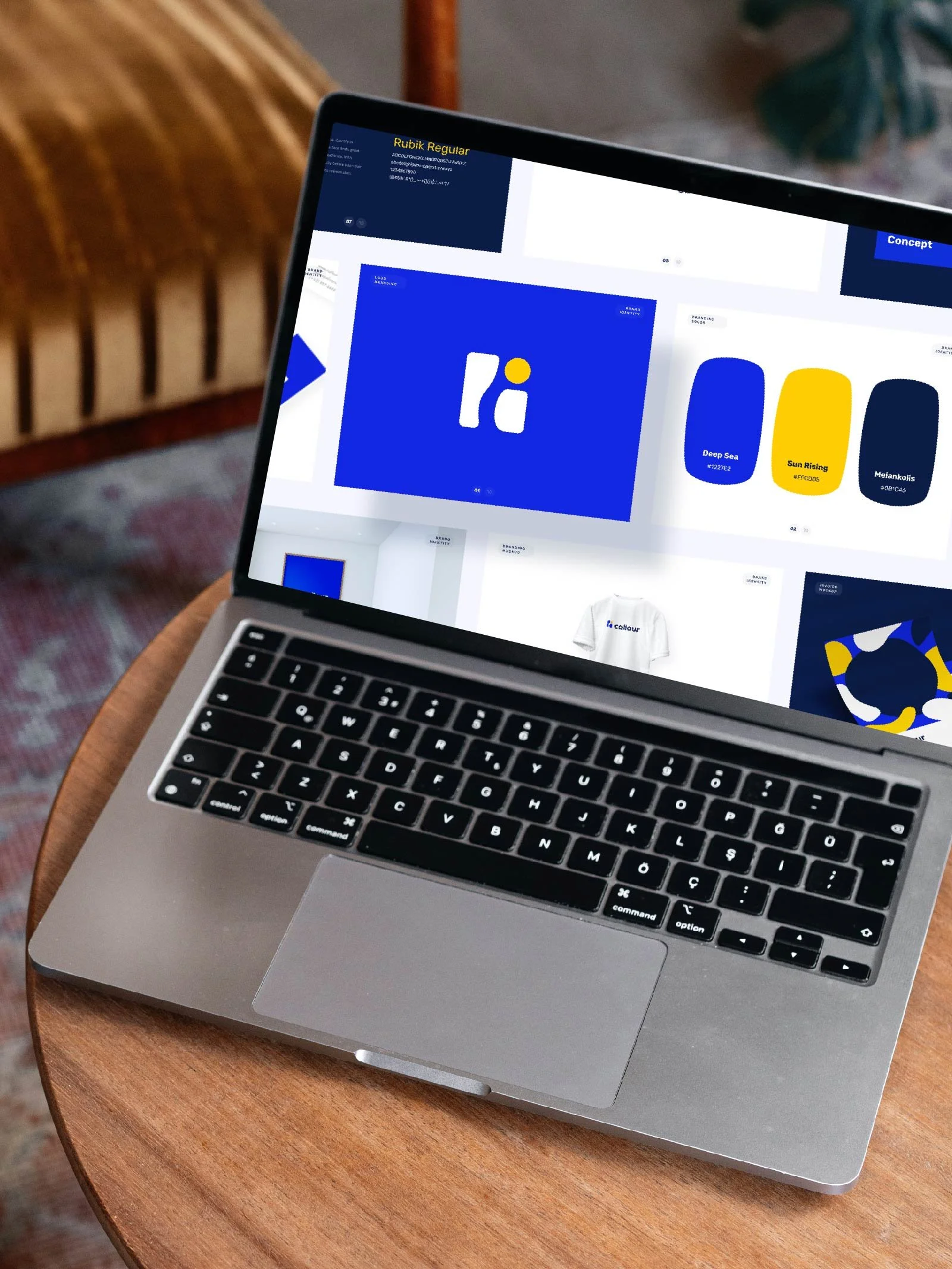
Brand Identity & Design Resources
Identity Designed
Brand identity case studies showing how visual systems are developed and used across real businesses.Brand New
Reviews and commentary on new and redesigned brand identities.Logo Design Love
Articles and examples focused on logo design and brand identity.
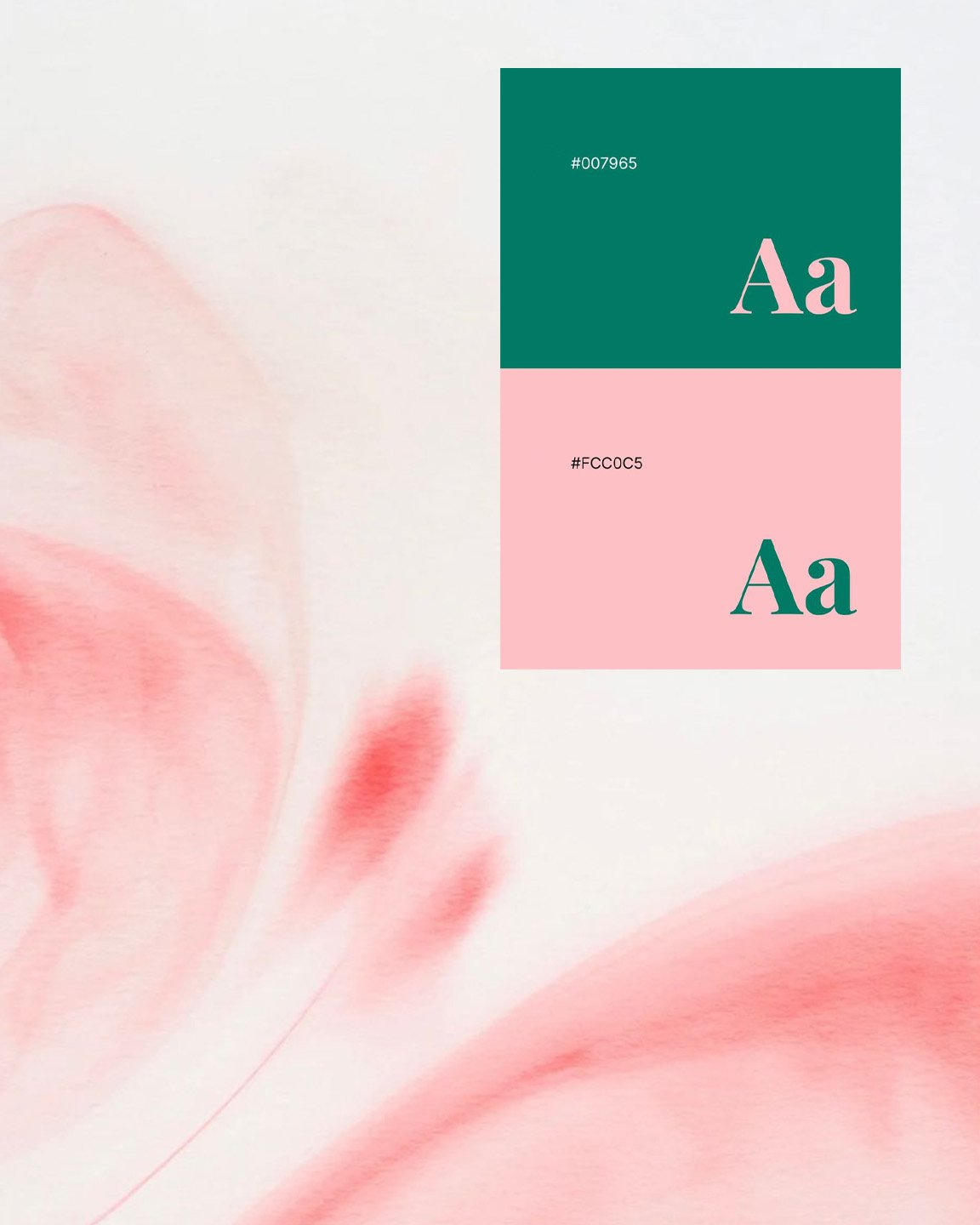
Typography Resources
Google Fonts
Free, open-source fonts commonly used for websites and digital brand applications.Adobe Fonts
Professional font library available through Adobe Creative Cloud.WhatTheFont
Upload an image to identify a typeface or find a close match.

Business name And trademark research
USPTO Trademark Search
Search existing and pending U.S. federal trademarks.Massachusetts Business Entity Search
Search businesses registered in Massachusetts.ICANN Lookup
Look up registration information for domain names.
Website Performance And Accessibility
Google PageSpeed Insights
Check website performance, Core Web Vitals.Google Search Console
Monitor indexing, search visibility, and technical issues affecting Google Search.WAVE Accessibility Tool
Check webpages for common accessibility issues.Squoosh
Resize and compress website images directly in the browser.

Website And SEO Resources
Google Search Central
Official Google guidance on crawling, indexing, structured data, search appearance, and SEO best practices.Google Search Central Blog
Updates from Google on search changes, technical guidance, and new search features.Semrush Blog
Articles on SEO, keyword research, competitor research, content, and technical search.Search Engine Land
Free tools for SEO, keywords, rankings, competitors, and website analysis.
Local Search And Google Business Resources
Google Business Profile Help
Official guidance for managing a business listing in Google Search and Maps.What Is Local SEO?
Learn how local SEO helps businesses appear in local search results.Top Digital Marketing Tools
Explore tools for SEO, content, research, and digital marketing.Google Trends
Compare search interest by topic, location, and time period.
Tools We Use During Client Projects
Boston Graphic Design Studio uses a small set of tools for scheduling, meetings, agreements, invoicing, and project communication.
Zoom Scheduler
Schedule discovery calls and project meetings.
Google Calendar
Manage meeting invites, schedules, and reminders.

DocuSign
Review and electronically sign project agreements.
Wave
Manage invoices, payment schedules, & online payments.
Zoom
Host virtual meetings, presentations, and training.

Frequently Asked Questions About Branding and Website Design
-
A logo is one part of a business’s visual identity. Brand identity is the larger visual system around it, including typography, color, imagery, supporting graphics, and guidelines for how those elements are used together.
-
At minimum, a business should have scalable vector files for professional use along with common digital formats. The exact package may include SVG, EPS, PDF, PNG, and JPG files, plus color variations and guidance for using them correctly.
-
A website also needs to communicate the business clearly, organize information around what visitors need to understand, work across different screen sizes, support search visibility, and make it easy for someone to take the next step.